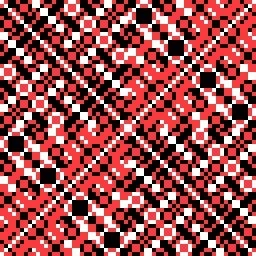
Munching Squares
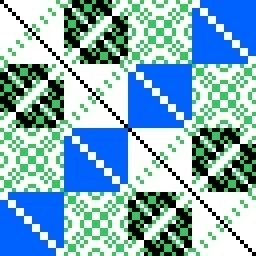
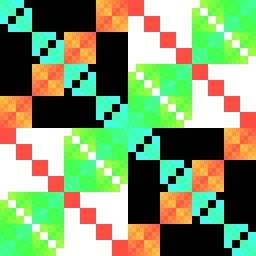
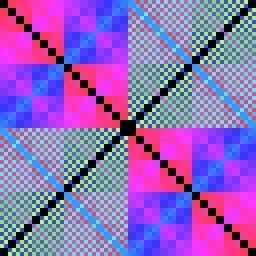
With this app you can paint the pixels selected by the Munching Squares algorithm in black and white and/or color to make an almost infinite variety of lattices.
Click on the Color (palette) button to set Munching Squares to paint pixels black, white, or colors. Create lacy lattices by alternately running or stepping Munching Squares for a little while and then flipping some of the toggle switches or changin color.
You can save images with the Export button.
Have Fun playing around. 😊
Munching Squares is based on an old-time computer display hack that could be written in a few instructions of machine language for the DEC (Digital Equipment Corporation) PDP-1 Computer equipped with a Type 30 point plotting CRT display. That display had a rapid blue phosphor and a slower yellow phosphor.
Some more technical detail: Each step by Munching Squares on an NxN square paints N pixels in a pattern that is simplest if toggle switch 0 is on and the rest are off. As long as toggle switch 0 is on, after N steps, all pixels in the square will have been painted in a pattern controlled by the toggle switches. In general, the top left and bottom right quarters of the pattern will be the same as will the top right and bottom left quarters. And this will be true within each quarter, and so on. If toggle switch 0 is off but toggle switch 1 is on, only half the pixels will be painted. If toggle switches 0 and 1 are off but toggle switch 2 is on, only a quarter of the pixels will be painted. And so on.